Chrome extension
Your solutions.
Your repository.
Sync accepted submissions from four coding platforms straight to GitHub. Keep the exact code that passed, organized by platform and problem.
Solution preview Example
two-sum.py
def two_sum(nums, target):
    seen = {}
    for i, n in enumerate(nums):
        if target - n in seen:
            return [seen[target - n], i]
seen[n] = iAcceptedLeetCode/two-sum.py
Install synclEE
You’ll need desktop Chrome and an initialized GitHub repository.
Load the extension
Unzip the download. Open
chrome://extensions, turn on Developer mode, then choose Load unpacked and select the extracted folder.Connect your repository
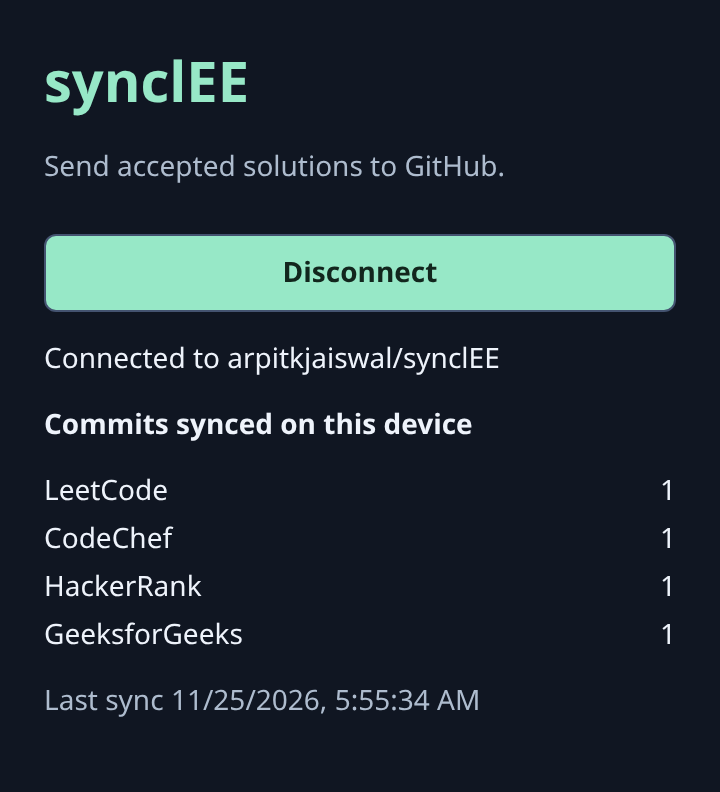
Enable Device Flow in your GitHub OAuth app. Enter its client ID and your repository in the popup. Authorize the device code on GitHub, then reopen the popup.
Submit a solution
After an accepted verdict, check the commit in your repo. Identical code skips the extra commit.
Extension preview